Groton-Dunstable students can access many of the district's digital learning resources from home through ClassLink LaunchPad, our secure single sign-on portal.
When using a home computer or personal device, it is common for web browsers to have multiple Google or Gmail accounts signed in. To access district-provided software and subscriptions, students must sign in using their @gdrsd.us Google account. Personal Gmail accounts will not provide access to these resources.
Getting Started
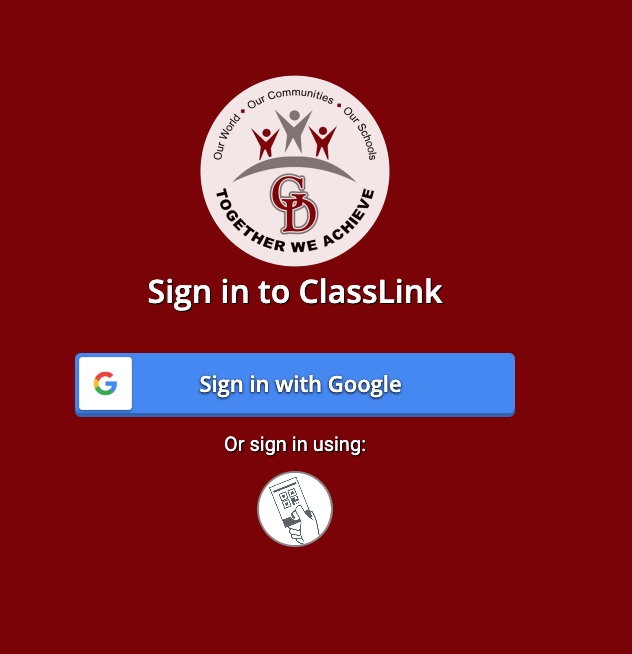
Visit ClassLink by selecting the ClassLink link in the upper right corner of any GDRSD webpage, or go directly to:
Select Sign in with Google.
Choose your child's @gdrsd.us Google account.
Once signed in, your child will have access to the district's online applications, subscriptions, and learning resources.
--